
Signing in to your Tea Spins Casino account takes seconds once you know the quickest route. This guide covers sign-in on desktop, mobile and the PWA shortcut that UK players use most often, plus the exact fix for common login problems. Follow the steps below and you'll be back at the slots or live tables within minutes, with your balance and bonus funds right where you left them.
Tea Spins Casino Sign-In Symptom Map
Match what you're seeing on screen to the cause, the fix and a realistic timeframe, each tied to how Tea Spins Casino's account system actually works.
| What you see | Likely cause | Verified fix | Typical timeframe | Why this works |
|---|---|---|---|---|
| Password rejected even though it looks correct | Caps lock, or an old reset link that's already been used | Request a fresh reset link from the login page and set a new password | New reset email usually lands within minutes | Based on the standard password-reset flow, where each link works only once |
| You're signed in but your balance looks lower than expected | Bonus funds sit apart from cash until wagering clears | Check the separate bonus balance tab; funds merge once the 40x deposit-plus-bonus wagering is met | Clears as soon as the 40x target is reached, within the bonus's 10-day validity window | Based on the 40x wagering rule that applies to the welcome offer |
| Account temporarily locked after a few failed attempts | A security lock protecting the one-account-per-player rule | Contact live support, open around the clock, for a quick identity check and unlock | Usually resolved within a single chat session, any time of day or night | Based on the one-account policy and round-the-clock support hours |
| Mobile login page won't load properly | A cached PWA shortcut pointing to an old session | Remove and re-add the Tea Spins Casino home-screen shortcut, then sign in again | Fixed immediately once the shortcut is re-added | Based on the PWA design used for mobile access |
| Logged in fine, but a withdrawal is on hold | Identity verification is still being checked | Keep playing while it completes; verification is usually quick once documents are uploaded | Typically clears within 24 hours once documents are reviewed | Based on the standard identity-check process applied before payouts |
How to Log In to Tea Spins Casino
- 1Open the login pageHead to the Tea Spins Casino login page from your browser, or tap your saved PWA shortcut if you added one earlier.
- 2Enter your email and passwordType in the email address and password you created during registration, checking carefully for typos.
- 3Click sign inPress the sign-in button and wait a moment while your details are checked.
- 4Complete any identity checkIf a quick identity check appears, follow the prompt; this usually only happens the first time or after a long break.
- 5Land on your dashboardYou'll arrive on your account dashboard, showing your balance, recent activity and any active bonus funds.
- 6Pick up where you left offJump straight into a featured slot, a live dealer table, or the cashier to top up your balance.
Logging In to Tea Spins Casino From Your Desktop
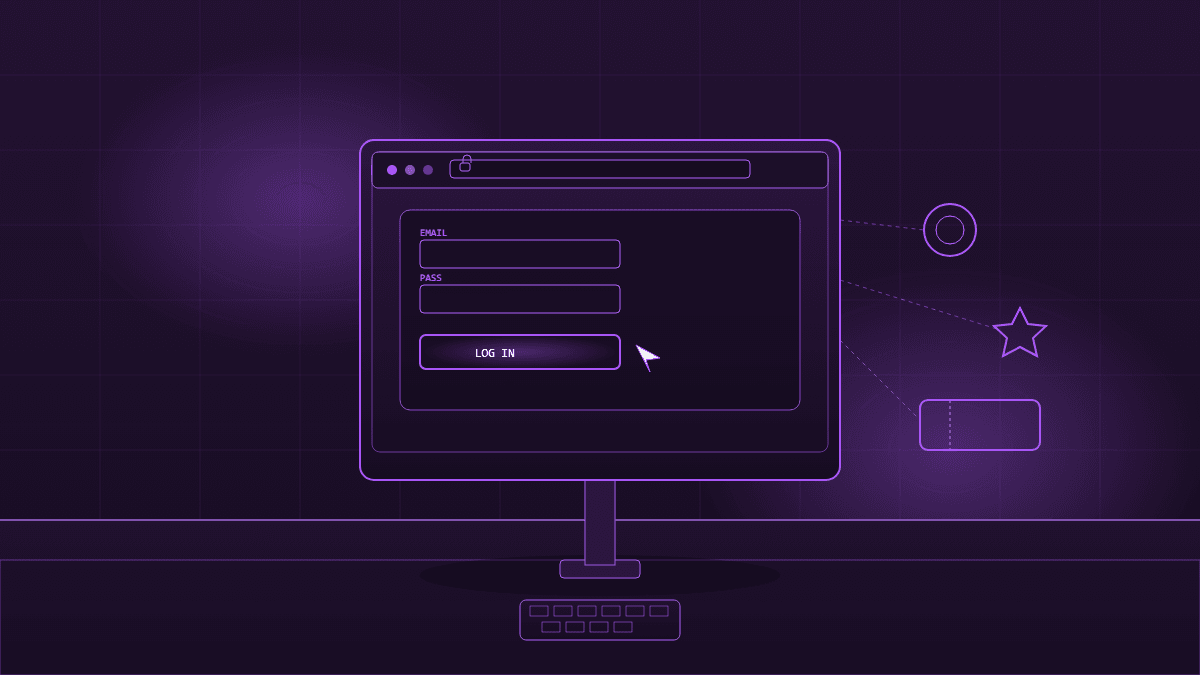
Open your browser and head to the login page, which works the same way for UK players wherever you're signing in from. Then enter the email address and password you used when you signed up at Tea Spins Casino.
Click the sign-in button and you'll land straight on your dashboard, with your balance, recent games and promotions visible at a glance. If you're playing from a shared or public computer in the UK, remember to sign out fully when you finish your session.
No download is needed on desktop. The browser-based login works the same way across Chrome, Safari, Edge and Firefox, so you can switch devices without losing any settings.
Don't have an account yet? Create one on the registration page first, then come back here to sign in with your new details.
Ways to Access Your Tea Spins Casino Account
| Access channel | How you sign in | Download needed | Best for |
| Desktop browser | Enter your email and password on the login page | None | Full-screen sessions on a larger display for UK players at home |
| Mobile browser | Same email-and-password login, resized for a smaller screen | None | Quick sessions on the move |
| PWA shortcut | Tap the home-screen icon, then sign in as normal | Add to home screen once | Fast repeat access without opening a browser |
| Live support | Live chat verifies your identity if you're locked out | None | Locked accounts or forgotten login details |
Signing In on Your Phone or Tablet
Tea Spins Casino runs as a Progressive Web App, so UK players need no app-store download for their phone or tablet. Add the shortcut to your home screen once, and future logins open straight into the same account you use on desktop.
Once you're signed in on mobile, you can reach the full games library and the live casino tables straight away. Live bets range from £1 up to £10,000, and every account setting sits on the same screen you log in on.
Mobile sign-in uses the same email and password as desktop, so there's nothing extra to remember. UK players travelling or switching between devices can move from phone to laptop mid-session without any disruption to their balance.
Resetting a Forgotten Password

Forgotten your password? UK players can click the "forgotten password" link under the sign-in form, then enter the email address linked to their Tea Spins Casino account.
A reset link lands in that inbox within a few minutes. Open it, choose a new password, and sign in again straight away. If the email doesn't appear, check your spam or promotions folder before asking support for a resend.
Choose a password you haven't used anywhere else, and avoid anything obvious like your name or date of birth. A strong, memorable password saves you from going through this process again next week.
Fixing Common Login Problems
Most login issues reported by UK players at Tea Spins Casino fall into a handful of patterns. The sign-in symptom map above matches each one to a fix based on how the account and bonus system actually work, right down to the reset-link timing and the usual identity-check turnaround, so you know roughly how long each fix should take.
- Double-check the email address for typos; a small slip is the most common reason a password gets rejected.
- Clear your browser cache if the login page looks outdated or won't load fully.
- Try logging in from a different browser or network before assuming the account itself has a problem.
- Keep deposit issues separate from login issues; a payment delay doesn't usually affect your ability to sign in at all.
If none of these quick checks solve it, live support is available around the clock and can usually sort out the rest in a single chat.
Keeping Your Account Secure
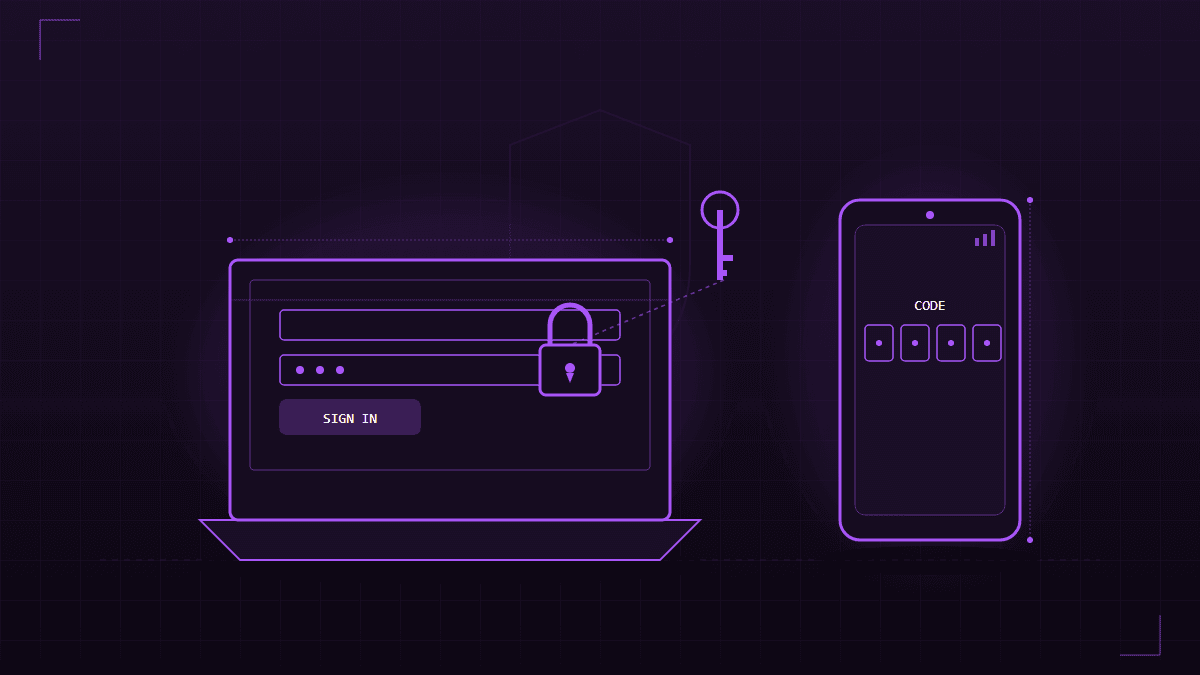
A strong, unique password is your first line of defence, so avoid reusing one from another account or website. Tea Spins Casino also runs a strict one-account-per-player rule, which protects you from someone else logging in under your details.
Never share your login details, even with friends, and log out fully when you finish playing on a shared device. If anything about your account looks unfamiliar, UK players can reach support around the clock and flag it straight away.
Tea Spins Casino launched in 2025 and operates under a licence from the Curacao Gaming Control Board. Identity checks form part of keeping every UK player's account genuine, so you may be asked for proof of ID or address at some point, which protects your winnings as much as the account itself.
What You Can Do Straight After Logging In
Once you're inside your Tea Spins Casino account, your dashboard shows your balance, any active bonus funds and the games you played most recently. From here you can jump into featured slots, open a live dealer table, or head to the cashier to top up.
The games library runs well past 4,860 titles, from providers including BGaming, Endorphina, Betsoft, Evoplay and Pragmatic Play. Live tables run by ICONIC21 and Luckystreak sit alongside them, and demo mode lets you try most slots for free before you commit any of your balance.
New UK players who haven't claimed anything yet can still pick up the welcome offer from the promotions tab after signing in. It's worth 150% up to £1,750 plus 100 Free Spins on Fish Fever. Check the full bonus terms before you opt in, since 40x wagering and a £20 minimum deposit both apply.
Existing UK players move up through loyalty tiers, from Bronze through to Diamond, and weekend live-casino cashback is also visible from the same account menu once you're logged in.
FAQ
The most common reason is a reset link that's already been used, or caps lock switched on by accident. Request a brand-new reset link and try again with a fresh password.
Yes, you can sign in from your desktop, phone or tablet using the same email and password, as long as every device belongs to you under the one-account rule used for UK players.
Reach out to live support, who are available around the clock, and a short identity check will usually get you back in quickly.
It's safer to avoid public networks where possible, but if you must use one, always sign out fully afterwards and never save your password on a shared device.
No download is required. Tea Spins Casino works as a browser-based app you can add to your home screen for quick access.
Bonus funds are tracked separately from cash until the wagering requirement is cleared, so your playable balance may look different until that happens.
Support can help you track down the right account using other details you provided at sign-up, such as your name or payment method.