
Tea Spins Casino responsible gambling support is built around tools you control: deposit, loss and time limits, short breaks, and self-exclusion from within your account. Players aged 18 and over can set these controls in a few clicks, and independent help is always available alongside them.
The Tea Break Boundary Check
Run this three-step check before you deposit. It takes less time than brewing a cup of tea and leaves you with a clear plan for the session ahead.
| Step | Action | Where to set it |
|---|---|---|
| Money | Start your deposit limit at or near the account's £20 minimum deposit, then only raise it once you're confident that figure suits your budget. | Account settings, deposit limit field |
| Time | Decide how long you'll play before you start, then enter that session length in your account so it logs you out automatically once it's reached. | Account settings, time limit field |
| Pause | If you notice the urge to chase losses, treat that as your cue to stop rather than deposit again, and start a time-out instead. | Account settings or live chat with support |
Unlike a generic terms page, this check separates what you control in your account from what independent organisations like GamCare can help with, so you always know which door to knock on.
Setting Deposit, Loss and Time Limits
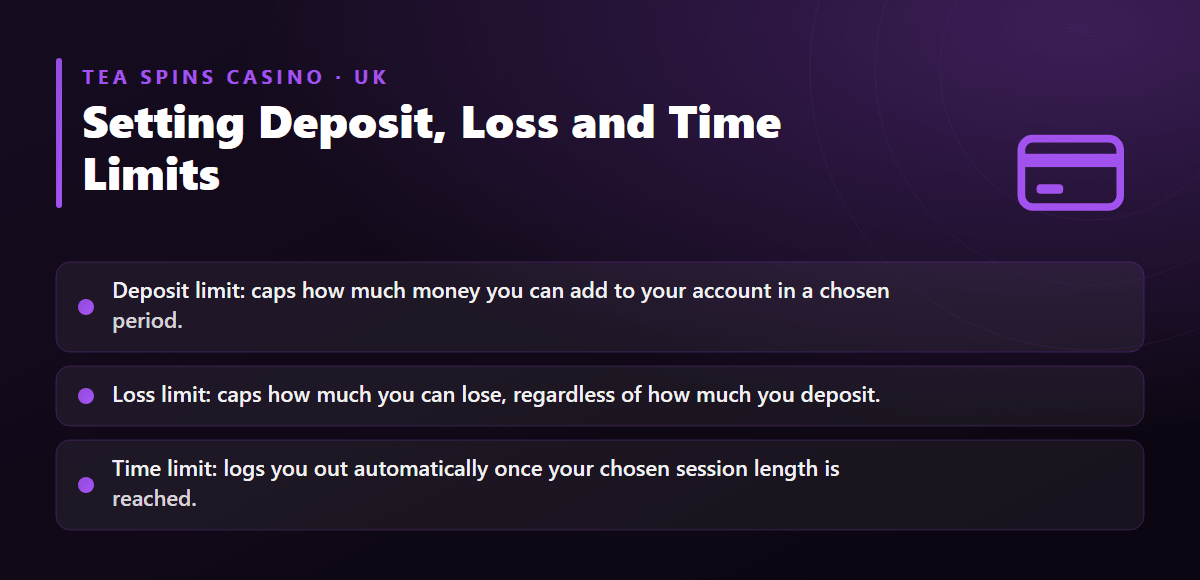
Limits work best when you set them before you start playing, not after a losing session. In your account settings you can set a deposit limit, a loss limit and a time limit, each applied over a period you choose.
- Deposit limit: caps how much money you can add to your account in a chosen period.
- Loss limit: caps how much you can lose, regardless of how much you deposit.
- Time limit: logs you out automatically once your chosen session length is reached.
Starting small is sensible. A limit close to the £20 minimum deposit gives you a cautious first test before you decide whether to raise it later.
Account Safety Tools at a Glance
| Tool | What it does | Where to manage it |
| Deposit limit | Caps how much you can add to your account in a set period | Account settings |
| Loss limit | Caps how much you can lose over a chosen period | Account settings |
| Time limit | Logs you out once a session reaches your chosen length | Account settings |
| Time-out | Pauses access to your account for a period you choose | Account settings or live chat |
| Self-exclusion | Closes account access for a longer agreed period | Live chat with support |
Taking a Break: Time-Outs and Self-Exclusion
If you want to step away without closing your account for good, a time-out pauses play for a period you set, and you simply can't log in until it ends. Self-exclusion goes further: it closes account access for a longer period you agree with support.
Both tools are requested through your account or by contacting the support team, which is available 24/7. Support can also explain how to extend a pause once it's active, if you later decide you need longer.
Recognising the Warning Signs of a Problem
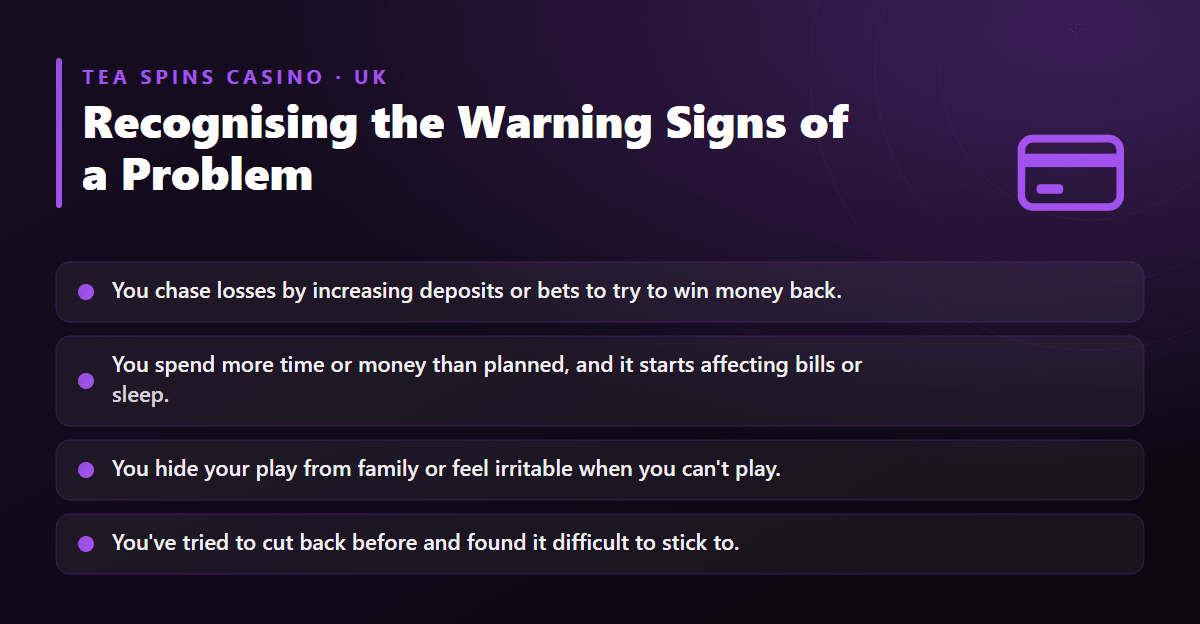
Gambling should stay enjoyable and affordable. It's worth pausing and reviewing your play if any of the following feel familiar:
- You chase losses by increasing deposits or bets to try to win money back.
- You spend more time or money than planned, and it starts affecting bills or sleep.
- You hide your play from family or feel irritable when you can't play.
- You've tried to cut back before and found it difficult to stick to.
Noticing any of these early makes it easier to use a limit, a time-out or outside support before things feel harder to manage.
How to Set a Limit or Take a Break
- 1Log in to your accountGo to the account area and open your profile settings.
- 2Open Safer Play settingsFind the responsible gambling section inside account settings.
- 3Choose your toolSelect a deposit limit, loss limit, session time limit, time-out or self-exclusion.
- 4Enter your preferred amount or periodPick a figure you're comfortable with; a cautious first limit is easy to adjust later.
- 5Confirm the changeYour new limit or pause applies straight away, protecting your next session.
- 6Contact support if you need helpReach the team around the clock if you want to adjust a tool or ask about independent support.
Where to Get Help and Support
Independent organisations offer confidential advice separate from any casino account tools. GamCare and Gambling Therapy both offer free, confidential support for players and their families across the UK, by phone, webchat or in person.
Tea Spins Casino's own support team, reachable around the clock, can walk you through setting limits, starting a time-out or requesting self-exclusion. For wider budgeting context, our payments guide explains deposit and withdrawal limits in more detail.
FAQ
It means using tools like deposit and time limits, taking breaks when needed, and keeping play enjoyable rather than stressful.
Open your account settings, find the safer play section, and enter the amount you want to cap your deposits at.
Yes, a time-out pauses your account for a period you choose, without closing it permanently the way self-exclusion does.
Warning signs include chasing losses, spending more than planned, and feeling unable to stop even when you want to.
Independent organisations such as GamCare and Gambling Therapy offer free, confidential advice and support for players and their families.
Yes, only adult players may hold an account, in line with the rule that players must be aged eighteen and over.
Lowering a limit usually applies straight away, while raising one typically takes effect after a short cooling-off period, to keep the control meaningful.